
Recording an online course is different from recording a single presentation. Learners need a sequence they can follow, while the presenter needs a production day that leaves enough energy for clear delivery. A studio session works best when the teaching structure, on-camera plan and post-production handover are agreed before the first take. This guide is for educators, trainers and small teams planning talking-head course content in Leicester or the East Midlands.
Start with what the learner will be able to do
For each lesson, write an outcome that can be observed: identify a problem, practise a method, make a decision or complete a small task. Use that outcome to remove material that belongs in another lesson or a supporting handout. A clear course map makes the presenter more confident because each recording has a beginning and an end rather than becoming one long attempt to explain everything.
Separate core teaching from examples, exercises and introductions. Shorter lessons can be easier to revisit and easier to re-record if one section changes later. That does not mean cutting every thought into tiny pieces. Group ideas at the point where a learner could pause, practise and return without losing the thread.
Make a recording script that still sounds human
Write the exact wording for definitions, safety-critical instructions, names and calls to action. For the rest, a structured outline with key points and examples may sound more natural than a dense page of prose. Mark where the presenter should pause, show an item or refer to a visual aid. If someone else will edit the course, keep lesson numbers and file names consistent with the course map.
Rehearse the opening and ending of each lesson aloud. These are the moments where presenters often lose time deciding how to start or repeat an awkward conclusion. Bring the outline in a form that can be read discreetly and assign one person to check that every required point has been covered. A good recording plan reduces retakes without asking the presenter to become robotic.
Batch lessons without exhausting the presenter
Group lessons that share clothing, set arrangement and teaching materials. Record the most demanding explanation when the presenter is freshest, then move to lighter introductions or pickups. Schedule breaks before attention falls. A realistic plan counts setup, sound checks, rehearsals, retakes and a short review between lessons, not just the minutes of final course video.
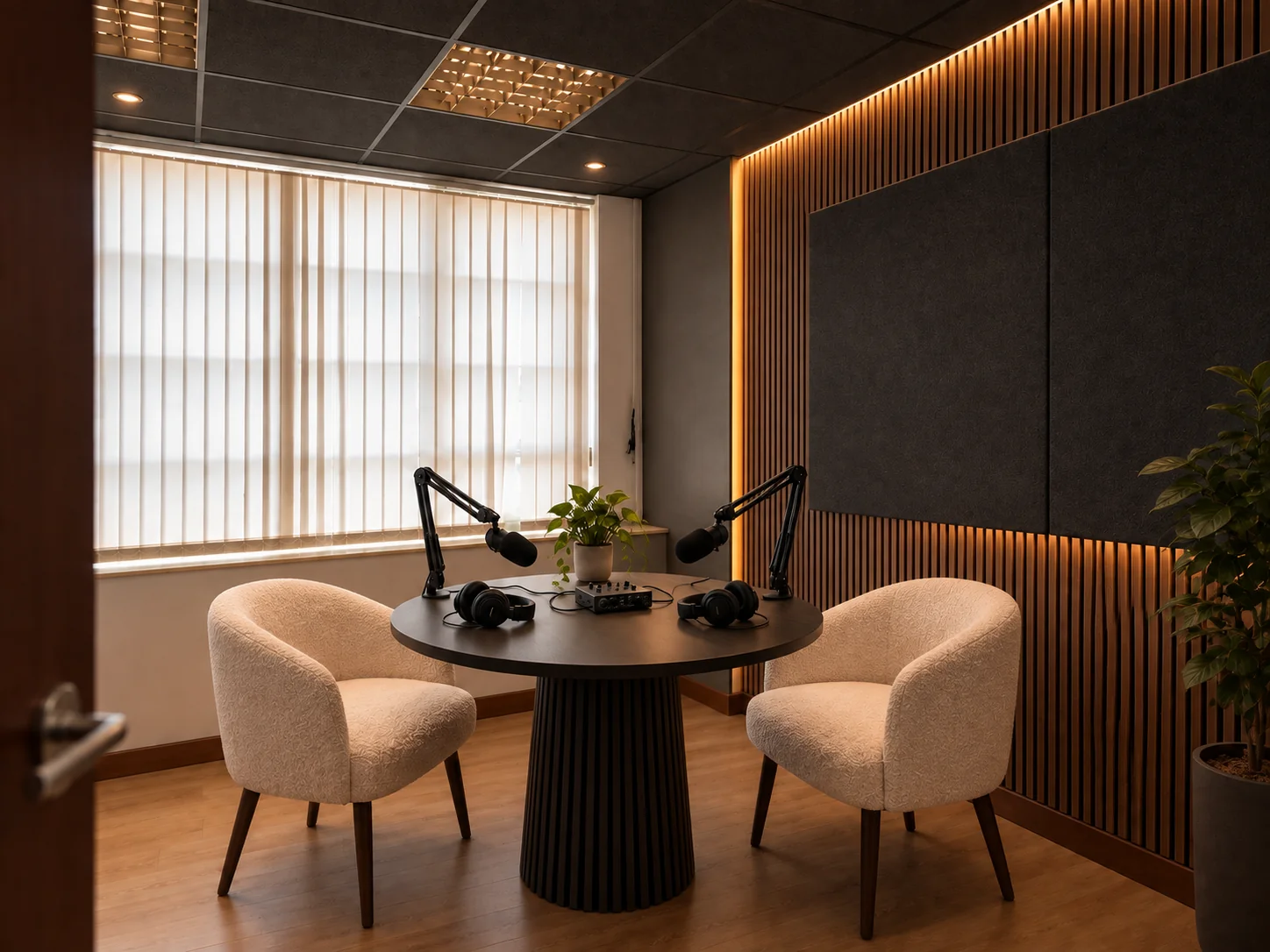
Studio B at Patmos is a camera-ready room with podcast microphones and professional lighting, suitable for courses and talking-head video. It supports up to four speakers, has a two-hour minimum and is listed from £40 per hour. Confirm your camera, recording, slides and editing arrangements separately; room features do not by themselves define a finished course-production package.
Plan visuals and examples as part of teaching
List every slide, demonstration or item the learner must see. Decide whether it will appear on camera, be captured separately or be added in editing. The presenter should know when to leave a pause for an insert and when to describe what is visible for a learner who may only be listening. Avoid referring vaguely to 'this' if the object may not be in the final frame.
Check that clothing, materials and visible labels will remain consistent across lessons intended to sit together. If a lesson mentions a website interface, version or external rule, record the source and review date so it can be checked before publication. Evergreen teaching ages better when examples are clearly separated from principles that are likely to remain stable.
Finish with an edit-ready handover
At the end of each lesson, note the best take and any sentence that needs a pickup. Capture clean replacements while the set and presenter are still in place. Before leaving, compare the course map with the recorded lessons and confirm that introductions, examples and closing calls to action exist for each one. It is far easier to fill a small gap on the day than to rebuild a session later.
Agree who holds the files, who checks factual accuracy, who edits and who approves the learner-facing version. Those are project responsibilities, not assumptions about studio hire. With a clear outcome, lesson plan and handover, the studio booking becomes a controlled production stage rather than a rushed attempt to finish the whole course at once.
Useful answers
Questions about planning your booking
Should I script every word of an online course?
Script precise definitions and important instructions, then use a structured outline where natural explanation is valuable. Rehearse lesson openings and endings so the sequence remains clear.
Can I record several lessons in one studio booking?
Yes, if the schedule includes setup, checks, breaks, retakes and review. Group lessons that share a set and materials, and book time for the entire workflow.
Is editing included when I hire a studio room?
Do not assume it is. Confirm recording, file delivery, editing and approval responsibilities separately before the session.